Create Mermaid flowchart, sequence, and ER diagrams
Type Mermaid syntax and see the diagram update instantly. Create flowchart, sequence, and entity relationship diagrams, export crisp SVG or PNG, switch themes for readability, and save to the cloud when you're ready to share.
Trusted by 2500+ happy users worldwide
Used by professionals working at








Mermaid diagram editor for documentation and wikis
Mermaid is a text syntax for diagrams. ToDiagram supports Mermaid flowchart, sequence, and entity relationship diagrams, with live preview and one-click export to SVG or PNG. It works well for documentation, wikis, and version-controlled repos because the source stays easy to review and update.
Get Started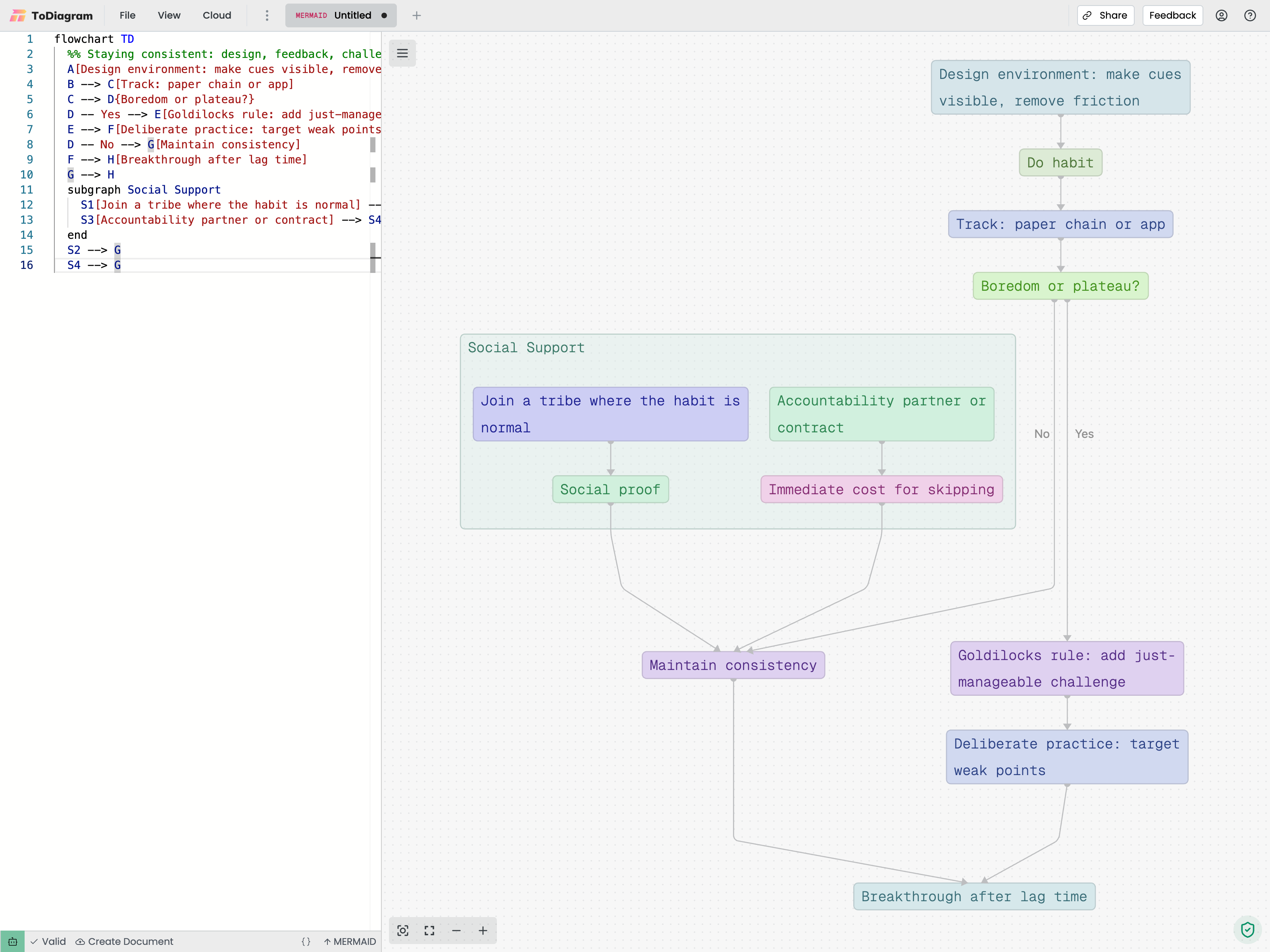

Write Mermaid, see live preview
Type Mermaid flowchart, sequence, or erDiagram syntax and get an accurate, instant preview you can trust in docs and reviews.

Fast, accurate Mermaid editor
A tuned editor with smooth pan/zoom, keyboard-first editing and legible defaults for wikis and repos. No plugins or build steps required.

Live preview and themes
Switch themes and adjust styling for clarity in dark or light docs. Keep contrast and typography balanced for readability.

Export and share
Export crisp SVG/PNG for wikis and slide decks, or share a link for quick reviews. Assets stay sharp at any size.
Why ToDiagram is the best Mermaid diagram editor
Cloud Storage
Store your data in the cloud, access it from anywhere, and share it with your team.

Text to Diagram AI
Convert your text descriptions into diagrams automatically, saving you time and effort in visualizing your data.
Powerful Visual Editing
Edit your data visually with our intuitive interface, making it easy to manage and manipulate your datasets.
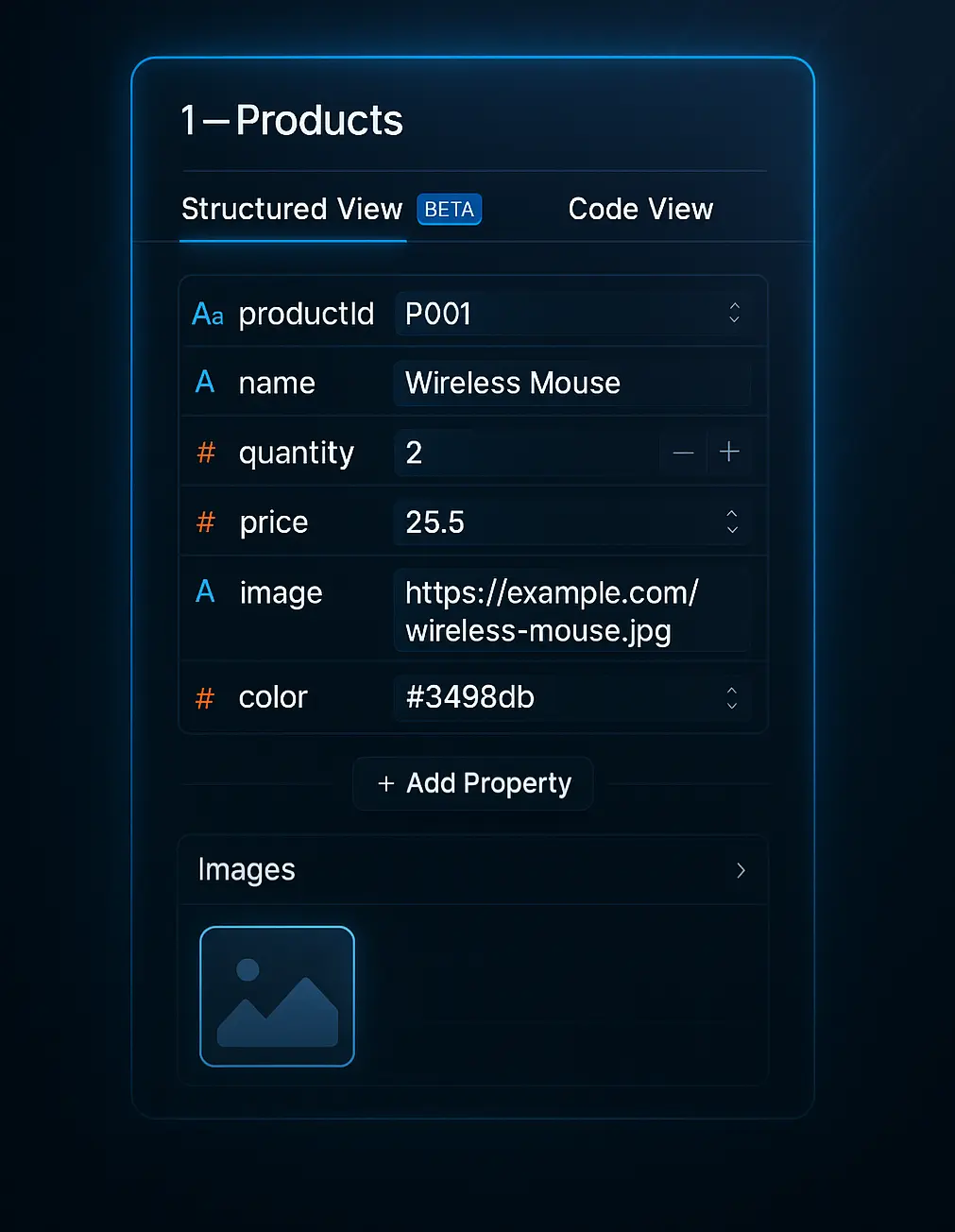
Validate JSON Schema
Ensure your data adheres to the defined schema, preventing errors and ensuring data integrity. Easily identify and fix issues with our validation tools.
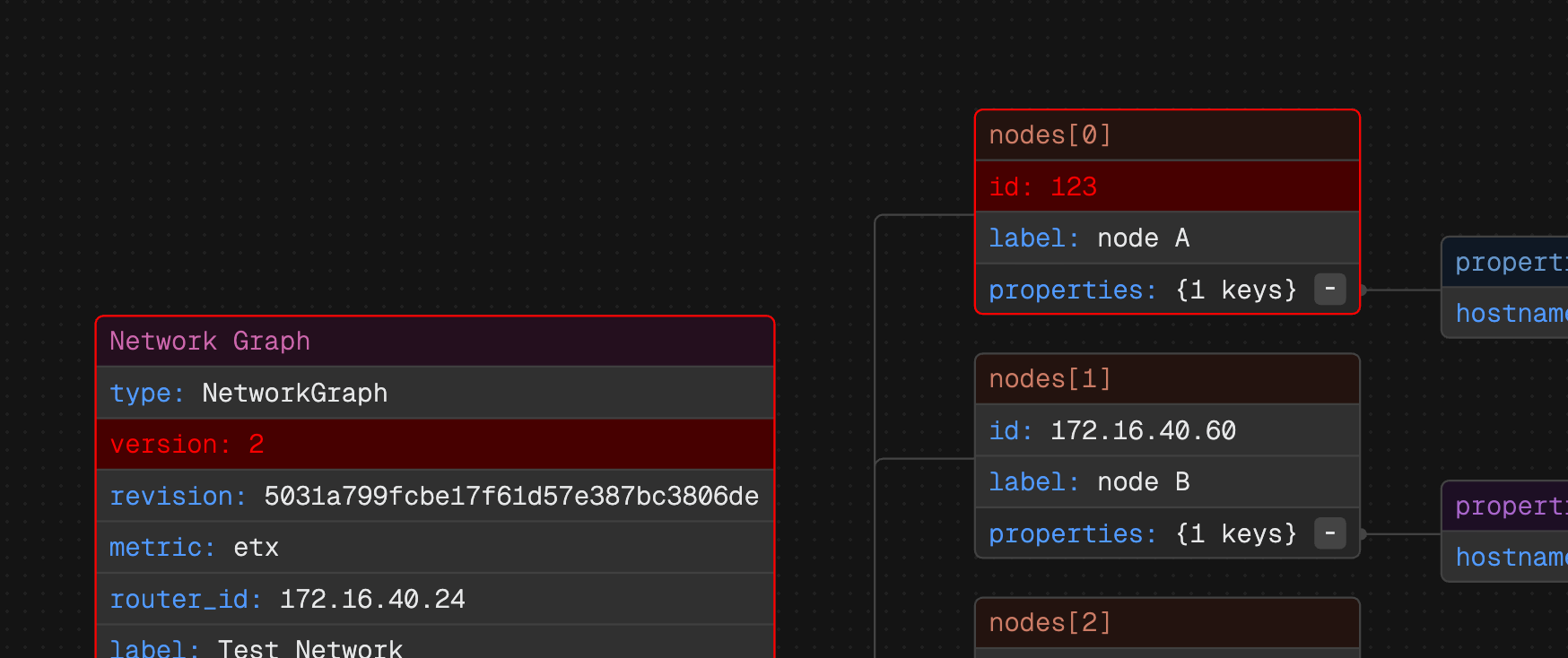
Mermaid Examples
Movie Decision Flowchart
A simple flowchart to help decide what type of movie to watch based on mood and genre preferences.
JavaScript V8 Engine Flowchart
A beginner-friendly overview of Google's V8 in Chrome and Node.js that shows how it reads code, turns it into instructions, speeds it up, and manages memory.
Frequently Asked Questions
Find questions and answers about our platform, services, and more.
More questions? Send us a message.