

Mermaid Diagrams
Create flowchart, sequence, and entity relationship diagrams using Mermaid syntax
Create diagrams using Mermaid syntax. Mermaid is a popular text-based diagramming tool that supports flowcharts, sequence diagrams, entity relationship diagrams, and more. With ToDiagram's Mermaid support, you can visualize your diagrams in real-time as you edit the Mermaid code.
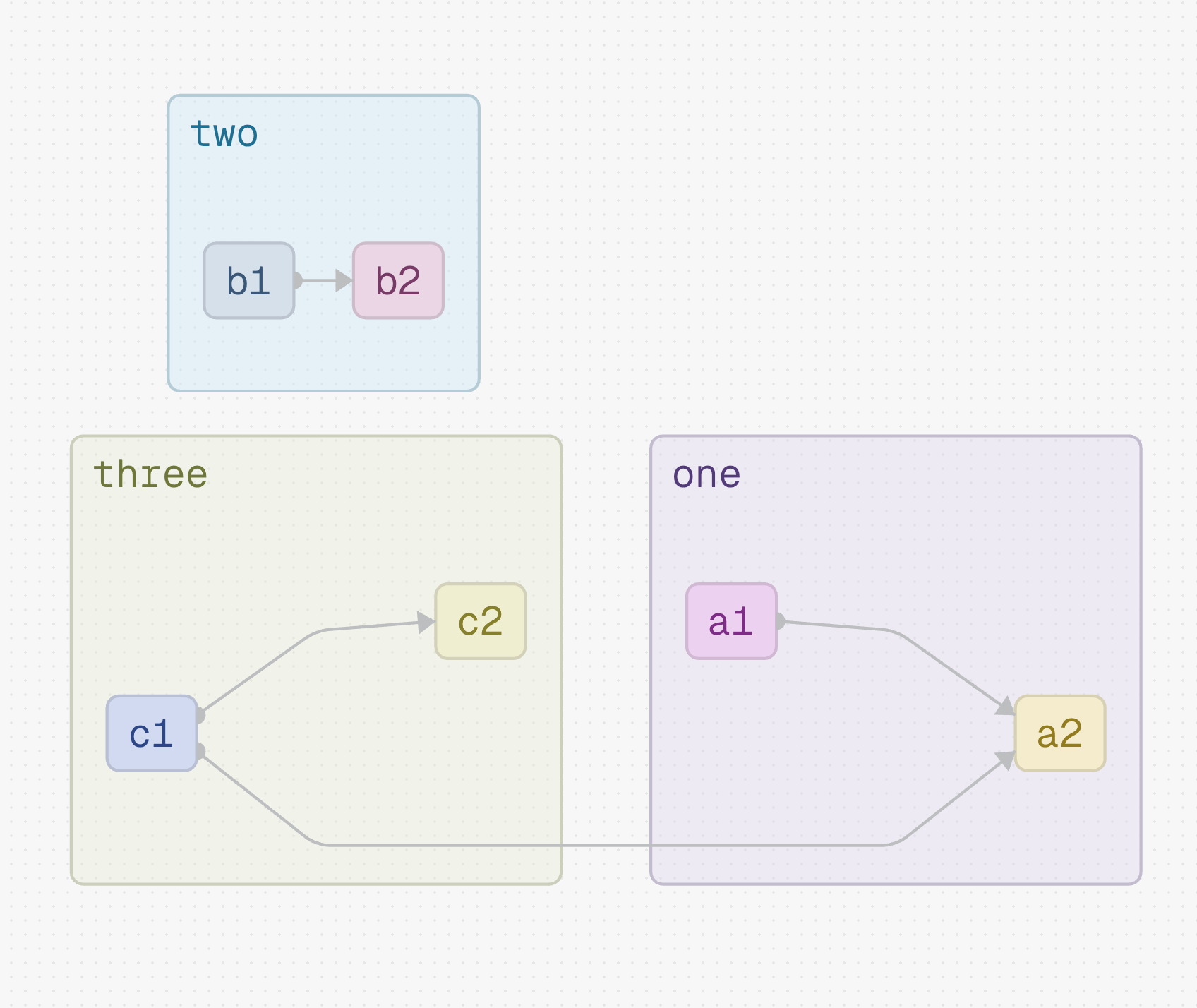
Example
flowchart LR
    A[Start] --> B{Decision}
    B -->|Yes| C[Process]
    B -->|No| D[End]
    C --> D
sequenceDiagram
participant Client
participant APIGateway as API Gateway
participant AuthService as Auth Service
Client->>APIGateway: Request /data
APIGateway->>AuthService: Validate Token
AuthService-->>APIGateway: Token Valid
APIGateway-->>Client: 200 OK (Data)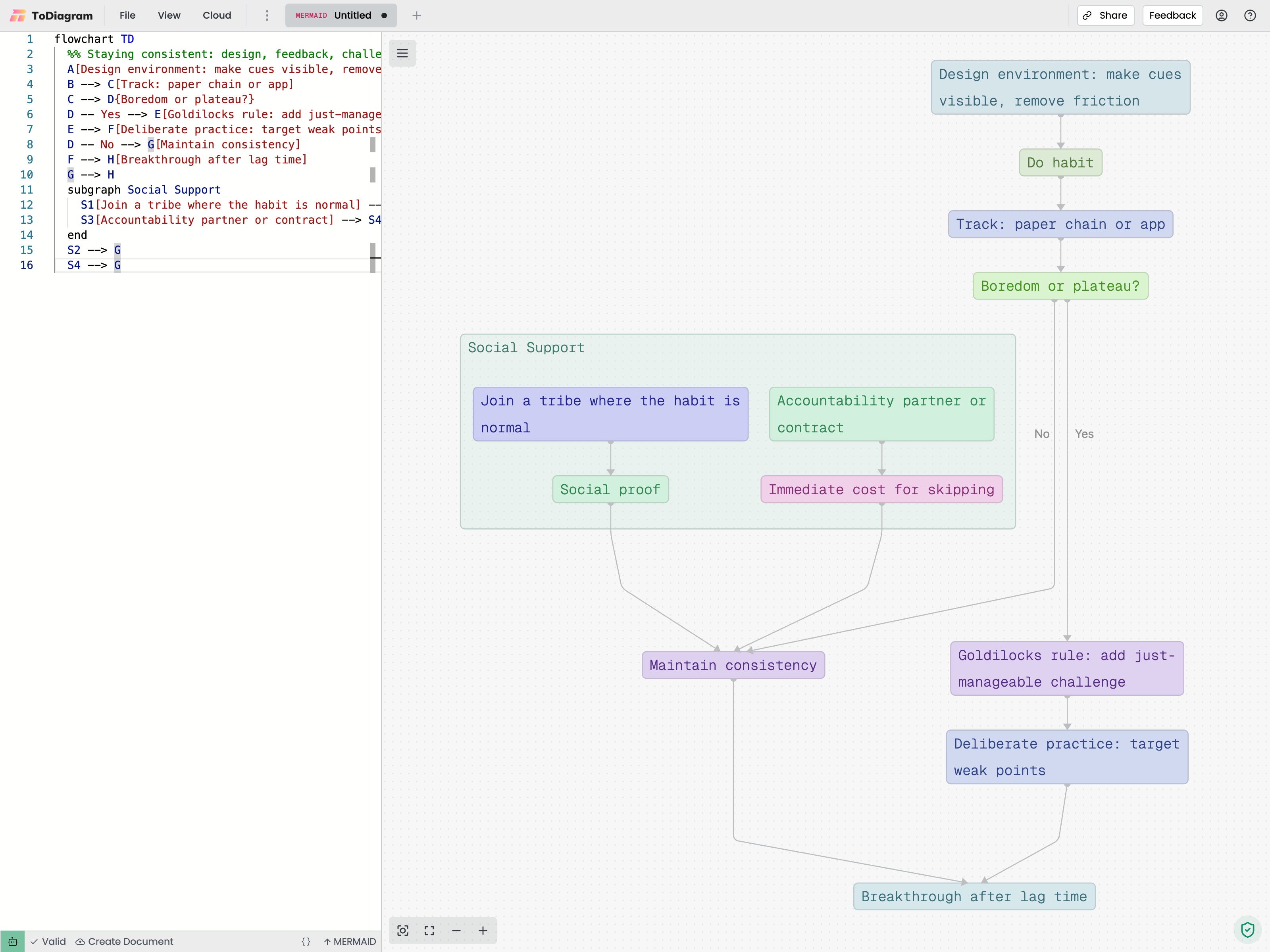
Supported Syntax
Supported Mermaid syntax includes:
- Flowchart:
flowchart/graphdirections (LR,TB,BT,RL), node shapes (see below), connections, and edge labels. - Sequence:
sequenceDiagramwith participants, message arrows, notes, activations, grouped blocks (loop,alt,opt), andautonumber. - Entity Relationship:
erDiagramwith entities, attribute blocks (types,PK/FK/UKkeys, comments), relationships with cardinalities,direction, andsubgraphgrouping.
Entity Relationship Diagrams
Entities render as cards with one row per attribute. Relationships become labeled edges showing the role and cardinality of each side, and non-identifying relationships (written with ..) render as dashed lines.
erDiagram
    direction LR
    CUSTOMER ||--o{ ORDER : places
    ORDER ||--|{ LINE-ITEM : contains
    CUSTOMER }|..|{ DELIVERY-ADDRESS : uses
    CUSTOMER {
        string name PK "full name"
        string email
    }
    ORDER {
        int orderNumber PK
        string deliveryAddress FK
    }
Cardinality symbols map to readable ranges on the edge label:
| Symbol (left / right) | Meaning | Label |
|---|---|---|
|o / o| | Zero or one | 0..1 |
|| / || | Exactly one | 1 |
}o / o{ | Zero or more | 0..N |
}| / |{ | One or more | 1..N |
Notes:
- Every relationship requires a label (the
: labelsuffix), per Mermaid's grammar. - Word forms such as
one or more,zero or many,many(0),1+, andonly oneare also supported.
Node Shapes
All 13 of Mermaid's short-syntax flowchart shapes render as their declared silhouette:
| Mermaid syntax | Shape |
|---|---|
A[text] | Rectangle |
A(text) | Rounded rectangle |
A([text]) | Stadium / pill |
A[[text]] | Subroutine |
A[(text)] | Cylinder |
A((text)) | Circle |
A(((text))) | Double circle |
A{text} | Diamond |
A{{text}} | Hexagon |
A[/text/] | Parallelogram (lean right) |
A[\text\] | Parallelogram (lean left) |
A[/text\] | Trapezoid |
A[\text/] | Inverse trapezoid |
A>text] | Asymmetric |
flowchart LR
    Start([Start]) --> Decide{Approved?}
    Decide -->|yes| Store[(PostgreSQL)]
    Decide -->|no|  End(((Done)))
    Store --> End
Edges automatically anchor to the silhouette of non-rectangular shapes (instead of the bounding box) so connections meet circles, diamonds, and hexagons cleanly.
Icons
You can use any of the 200,000+ icons available on iconify.design. The format is set:icon-name, for example fa:user or fa:desktop. Use valid Iconify names; invalid names will not render.
flowchart LR
    A["fa:desktop Web Server"] --> B["fa:database Database"]
Features
- Live Preview: See changes instantly as you type
- Export: Export to PNG, JPEG, or SVG
- Themes: Light and dark theme support
- Version Control: Plain text format is git-friendly